How to turn a worksheet into an interactive online activity
A step-by-step method for turning PDF worksheets and coursebook pages into tasks students answer on their own device, with worked examples from A2 to C1.
By Gomently Team10 min read


You have folders of worksheets that work on paper. Online, a PDF on a shared screen turns into you reading answers aloud while students watch. This guide gives you a method to change that, whatever tool you use.
How do you turn a worksheet into an interactive online activity?
Decide what each exercise practises, then rebuild it as a task each student answers and checks on their own device. Keep the parts that need talk or annotation as a page you write on together in class.
That is the whole method. The rest of this guide shows each step with a worked example.
This guide is for tutors who teach one to one or in small groups and own a pile of PDFs, scanned handouts and coursebook pages. Most examples are from English lessons, because that is where most worksheets live, but the steps work for any subject: a maths sheet or a history handout goes through the same questions.
By the end you should be able to take one worksheet and convert it in an evening, then teach it the next day.
A word on tools. The TCEA TechNotes blog walks through several ways to digitise a PDF and asks the right question: "But what do you do afterwards? It all depends on what you need students to do and where." So start with what students need to do. The tool comes last.
Which parts of a worksheet are worth keeping?
Read the worksheet for its goal, not its layout. Before you touch anything, write one sentence at the top: "After this, students can…". If you cannot finish the sentence, the worksheet does not have a clear goal yet, and converting it will only move the confusion online.
Education World puts it well: "At the core, worksheets can become more meaningful when educators tie them to a goal and purpose that students and teachers both understand." The same article suggests asking whether students can "gain skills and perform more meaningful work from doing a smaller set of questions", and asks of assessment: "Did my students learn what I set out to teach them?"
With the goal written down, go through the sheet with three piles in mind:
- Keep: exercises that practise the goal directly.
- Drop: decoration, cartoons with no task, answer lines, a fourth drill that repeats the third.
- Move to speaking: anything that asks students to talk, discuss or give opinions.
Worked example: A2 past simple
Say you have a six-exercise A2 worksheet on the past simple. The goal: students can talk about last weekend using regular and common irregular verbs.
- Match verbs to past forms. Keep.
- Write the past form of ten regular verbs. Merge with exercise 3.
- Fill in a story with past forms. Keep, with the useful regular verbs from exercise 2 folded in.
- Circle the correct form in eight sentences. Keep, cut to five.
- Colour the picture of a weekend. Drop.
- Write five sentences about your weekend. Move to speaking: students tell you about their weekend live, then write two sentences.
Six exercises become three tasks and a speaking prompt. The lesson is shorter on paper and longer in actual practice.
How do you turn paper exercises into tasks students answer themselves?
Most worksheet exercises already have an online twin. The trick is to choose a task type where each student answers on their own and gets feedback right away. Here is the map:

- Fill in the blanks becomes a gap task. If the paper version has a box of words, make it a word bank: students put the given words in the gaps.
- Circle the answer becomes multiple choice. A good version shows a short hint when a student picks a wrong option, for example "go is irregular". If the paper asks students to "circle all the past verbs", use a choice task with more than one right answer.
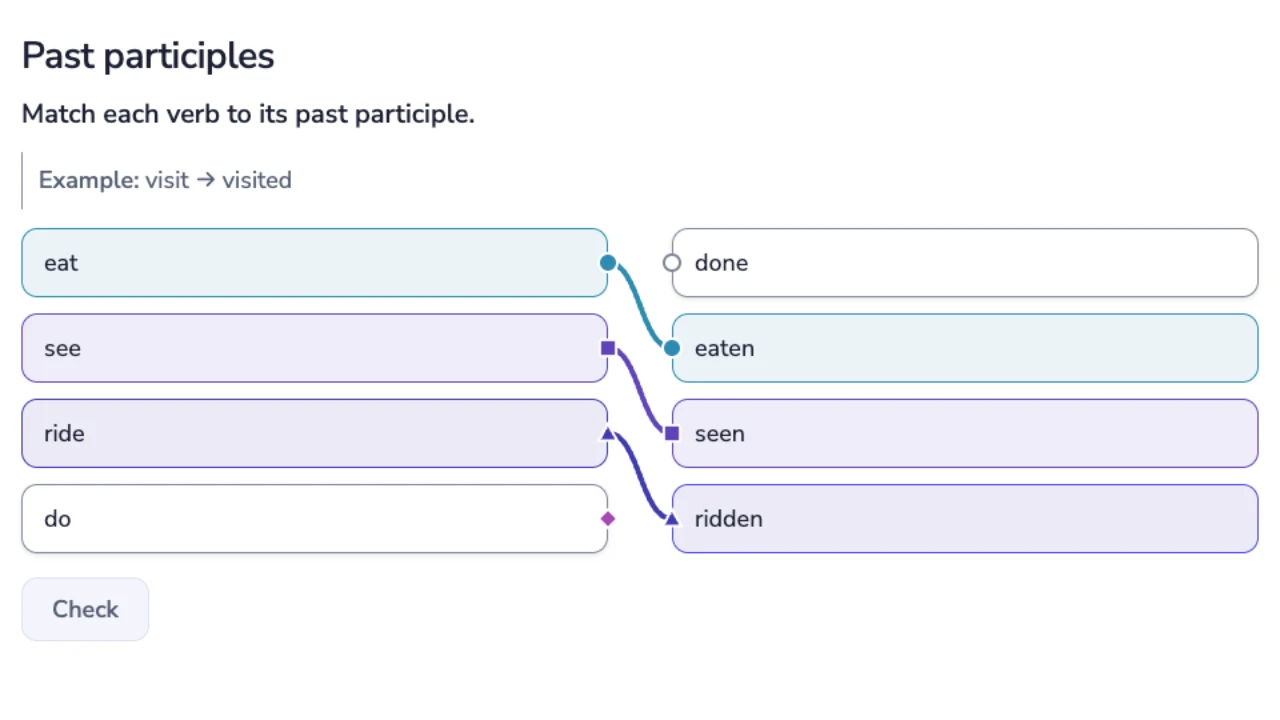
- Match the columns becomes a matching task: verbs to past forms, words to meanings, words to pictures.
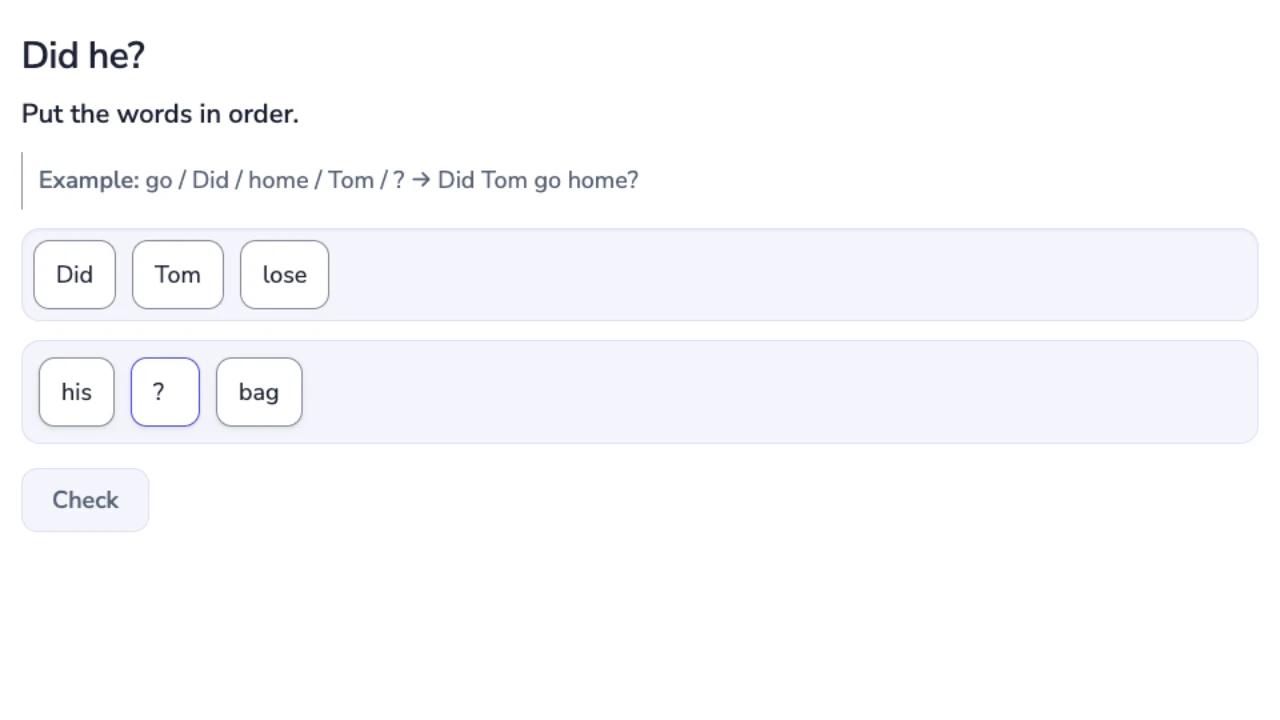
- Jumbled sentences become an ordering task. Students build "Did Tom find the key?" from the loose words. Ordering also works with letters to make a word, with a picture or translation as the hint.
- Tables and categories become sorting: -ed verbs in one group, other verbs in another.
- True or false statements stay true or false, with a note that corrects a wrong answer, such as "He found it in his bag."
You do not have to keep the paper type. TCEA's author turned a circle-the-answer sheet into matching just for fun. If a type gets dull, swap it.
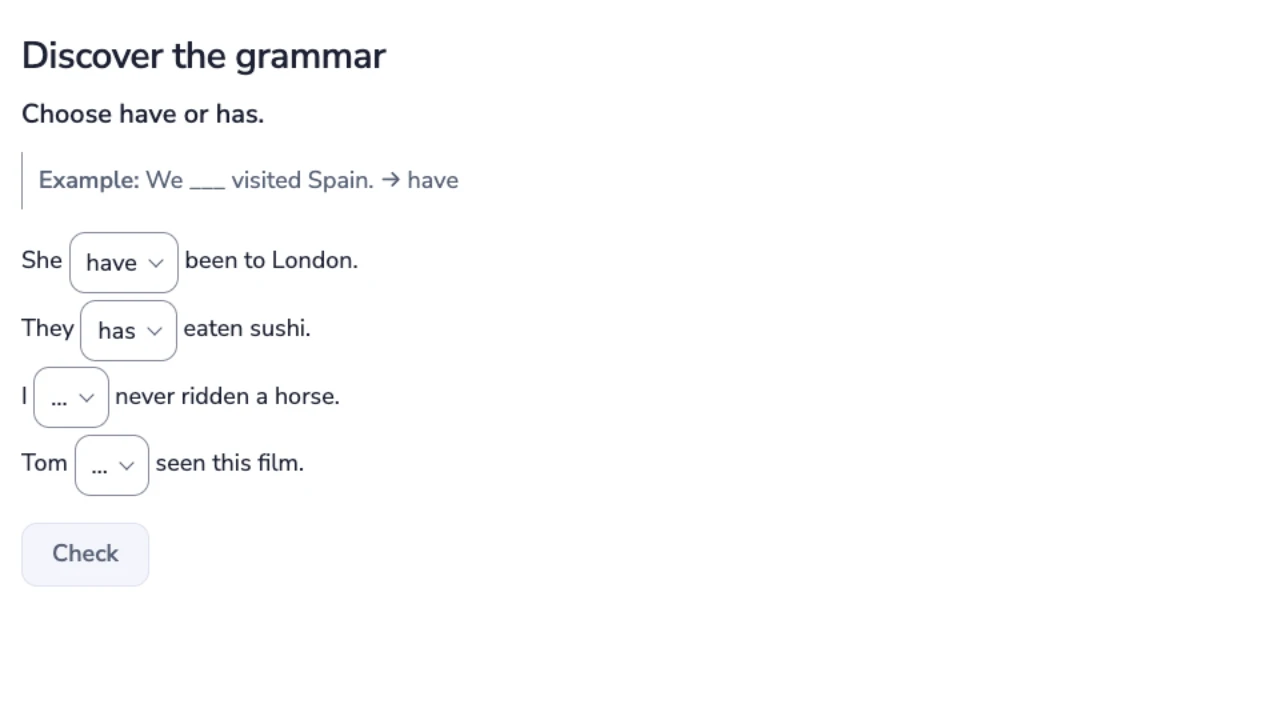
Worked example: B1 was and were, in two steps
Typed gaps are harder than they look, because a student has to produce the form and spell it. So split one paper exercise into two tasks.
First, a dropdown gap as a warm-up. Students pick the right form from a short list: was or were. It is quick and low risk, and you see at once who mixes them up.
Then typed gaps. Students write the form themselves, with the base verb in brackets as a hint: "Yesterday I ___ (walk) to the park. Then I ___ (not go) home." Accept more than one answer where English allows it: didn't and did not are both right, and a student who wrote the long form should not be marked wrong.
Why feedback on each device matters
On a shared PDF, the fastest student answers and the rest copy. When each student answers on their own screen and sees whether they were right, two things change. Students fix their own small mistakes without waiting for you. And you see who is stuck, because a stuck student is still on question two while everyone else is done.
That second point is the real gain. For more on reading those signals, see how to check understanding in online lessons.
Open writing stays open
Not everything should be auto-marked. "Write three sentences about your weekend" has no single right answer. Keep it as a free answer you read live, or as something students say aloud first. Education World notes that a student "can likely benefit more from writing authentically and demonstrating the skill in action" than from more isolated drills. So the open task is often the most valuable one on the page.
Read a few answers out (with permission), praise one thing that works, and fix one mistake together.
How do you add listening and pictures to a worksheet?
Paper is silent and mostly text. Online, you can add sound and pictures, and it is often the easiest win.
Replace reading aloud with a recording
Many worksheets have a step like "Read the dialogue aloud with your partner." Online, with one student reading slowly, the rest drift. Instead, play a short recording of the text and add two or three questions about it, each with options and a hint such as "Listen again".
Example at A2: "Listen to Ann. Answer the questions." Question one: where did Ann go on Saturday? Question two: who did she go with? Students listen, answer, and only then read the text. The reading becomes a check, not the main event.
Keep recordings short. One minute is plenty for A2. Two or three questions are enough to show who understood.
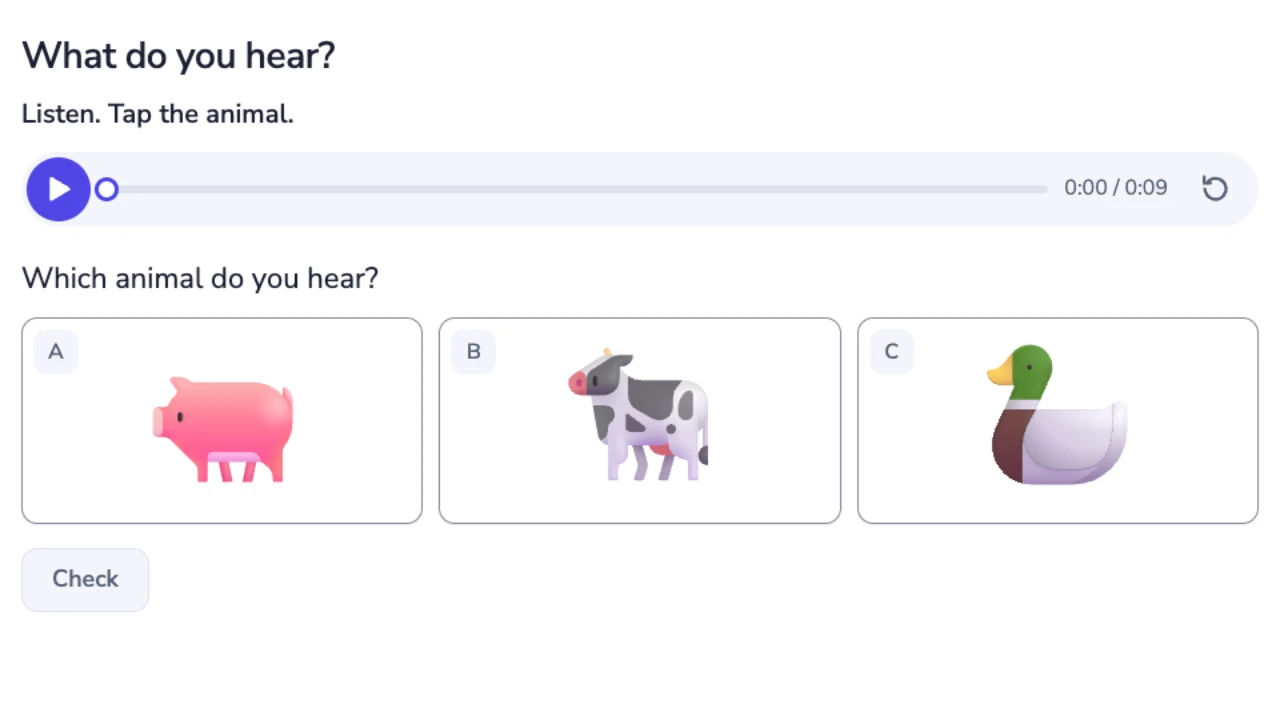
Swap word lists for pictures with young learners
A list of ten food words means little to a seven-year-old. Say your class is aged 7–9. Turn the list into a picture task: students hear a word and tap the matching picture. Or match pictures to words, so the vocabulary page becomes something they can do without reading much.
The same idea works in other subjects. A diagram on a maths sheet can become a tap-on-the-picture task: "Tap the longest side of the triangle."
Use a video link, with your own questions
If a worksheet goes with a video clip, watch it together in class from a link rather than asking students to watch at home. Before you play it, tell the class what to look for. Afterwards, ask questions about what you pointed out, not trick details. Pause where something important happens and ask, "What do you think she'll say next?"
When should you keep the worksheet's order?
A single worksheet can be reshuffled freely. A coursebook unit is different. Courses and exam preparation build step by step: the vocabulary on page 42 feeds the reading on page 43, which feeds the writing on page 44. Break that order and students who also own the book get lost when they do homework from it.
So keep the sequence when:
- students follow the same book at home,
- you teach an exam course where each part prepares the next,
- a school or parent expects you to cover the unit as printed.
Reorder when the live lesson needs it. A warm-up first is almost always right, even if the book starts with grammar. A speaking break in the middle of three written tasks keeps energy up.
Worked example: a B2 coursebook unit
Say your B2 group uses a coursebook, and unit 6 is on the passive. Keep its order: vocabulary, reading, grammar focus, practice, writing. Convert each exercise using the map above, so the vocabulary match is a matching task and the grammar practice becomes gaps.
Then add one thing at the end that is not in the book: a short game that recycles the unit's vocabulary. Students who open the book at home find the same order they saw in class, and the lesson still ends on a high.
For game ideas, see interactive activities for online lessons.
Why still write on the pages together in class?
Some pages lose something when you break them into tasks. Keep these as a shared page that everyone can write on:
- Diagrams you explain step by step.
- Reading texts students annotate: underline, circle, note in the margin.
- Maths workings where the method matters more than the answer.
On a shared page, students mark the text while you talk, and you see everyone's marks together. It feels like leaning over the same desk.
Worked example: a C1 reading text
Say your C1 student is preparing for an exam with long reading texts. Put the text on a shared page and ask each student to underline the topic sentence of paragraph two. Then compare. If one person underlined the first sentence and another the last, you have a real discussion about how writers build a paragraph. A multiple-choice task would only tell you who guessed right.
After that, convert the comprehension questions into tasks students answer on their own device. Annotation together, checking alone.
Mistakes to avoid
- Copying every exercise one to one. The paper sheet was made for forty minutes of silent work. Cut it down to the goal.
- Making everything auto-marked. If the whole lesson is clicks, nobody speaks. Leave room for open answers and talk.
- Long tasks with no check point. Twenty gaps in a row means you find problems at the end. Break them into short tasks and check after each.
- Changing the order of a course students follow at home. Add warm-ups and breaks, but keep the book's sequence.
- Forgetting a preview as a student. Click through the lesson as a student before class. You will catch the gap with two right answers and the instruction that makes no sense.
Where Gomently helps
Everything above works with any tool. Here is where Gomently fits.
- You can attach PDFs, Word, PowerPoint files and photos of worksheets, and Gomently builds the lesson from them.
- A language lesson can follow your worksheet as it is, instead of making a new lesson from it.
- Language lessons use ready-made tasks: multiple choice, filling gaps, matching, putting in order, sorting, true or false, crosswords, marking words in a text, tapping a picture, listening tasks and word cards.
- A short free answer is possible, but it is not marked.
- A recording you attach can be played to students in a language lesson, with questions about it.
- A language lesson can play a video from a link, and the whole class sees it play, pause and jump with you; questions come from what you say about it.
- Each student works on the lesson on their own device, while you move the class from section to section.
- You can bring a PDF, slides or a Word file into a class, and everyone can write on its pages.
- You change a lesson by writing in the chat, or by pointing at a part of it and saying what should change.
- You can click through a lesson as a student sees it before class.
Past simple
Yesterday we walked to the park.
walk → walked · go → went · lose → lost
Your turn: one sentence each about Tom.
Tom lost his key.
He found it at home.
Aiko
English B1 · The lost key
Correct answers
Went well
Uses regular past forms with confidence and retold the story in order.
To practise
Irregular verbs: go, lose, find.
Built from Aiko’s answers
- 1Go, lose, find: the past
- 2Finish the story
- Aiko
- Marco
- Sofia
Noor
English B1
Your lesson has started
Lesson with your teacher
Homework
Past simple
ReadyNot started3 of 4 tasks done
Practise
The lost key
StartSee the features page for an overview.
FAQ
Can I use a photo of a coursebook page?
Yes, as a starting point. Take the photo flat and in good light, and crop it to the exercises you kept. Then apply the same steps: name the goal, map each exercise to a task type, keep the shared parts shared. In Gomently, you can attach photos of worksheets.
Do I need to retype everything?
No. Retype only what you keep, and cut while you go. Worksheets often shrink a lot once you remove repeated drills and decoration, so the work is smaller than it looks.
What about exercises that cannot be auto-marked?
Keep them live. Open writing, opinions and discussion questions belong in the speaking part of the lesson or as a short free answer you read in class. They are often where the real learning shows.